


Restaurants
The restaurant list is announced at launch
We will not publish restaurant names before they actually join. If you own a restaurant, be among the first on Sufra.
BRINGERS Sufra
Burgers, grills, pizza, breakfast, desserts and coffee: order from participating restaurants in your area, pay from your wallet, and receive it from a BRINGERS captain with a delivery code.
Restaurants and dishes available in your area appear in the app at launch.
Dishes
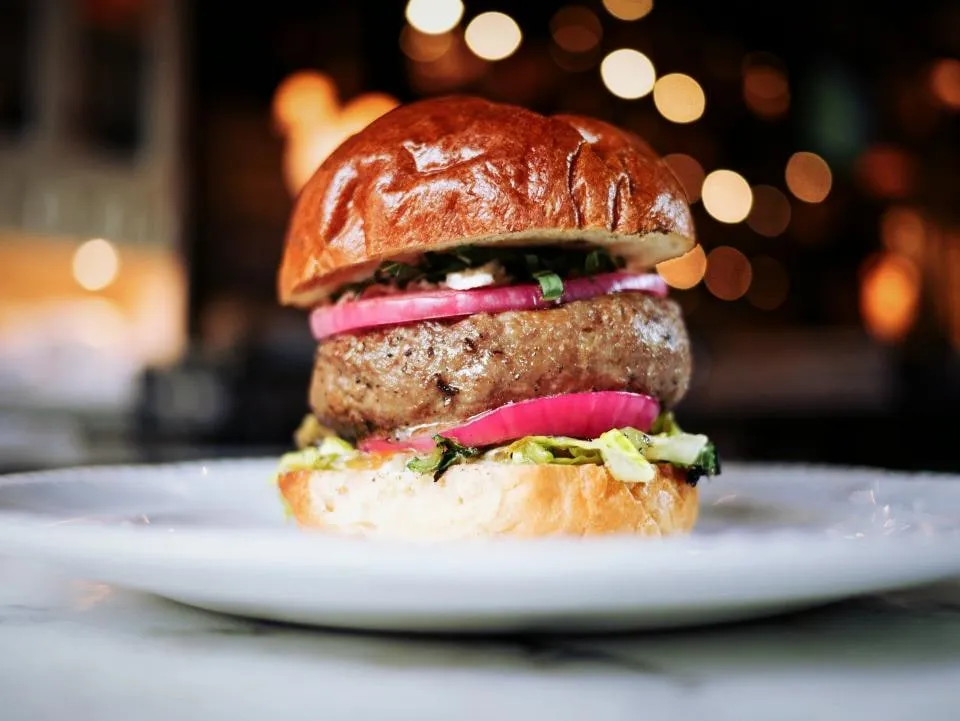 Burgers
 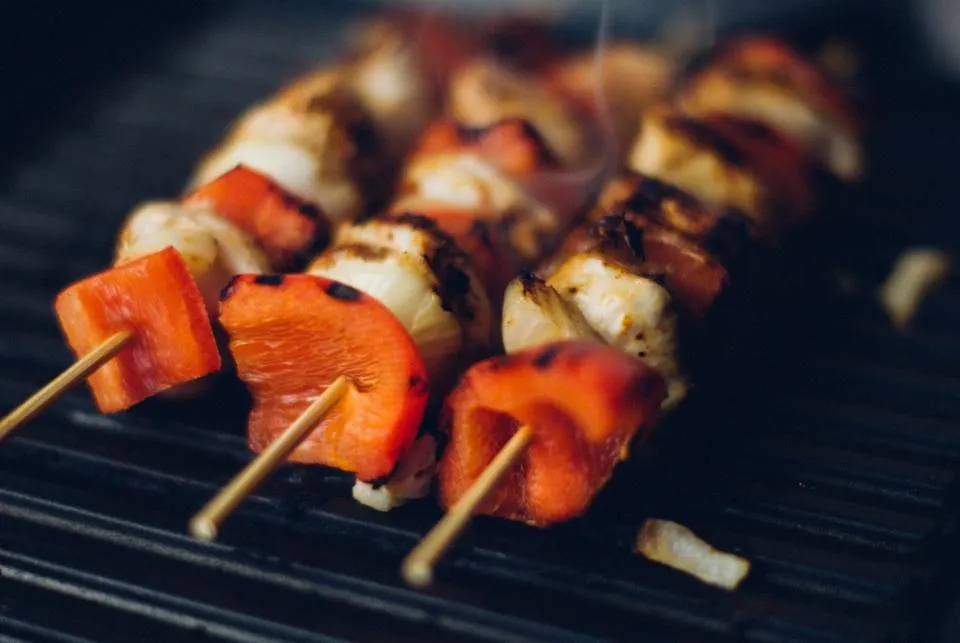 Grills
 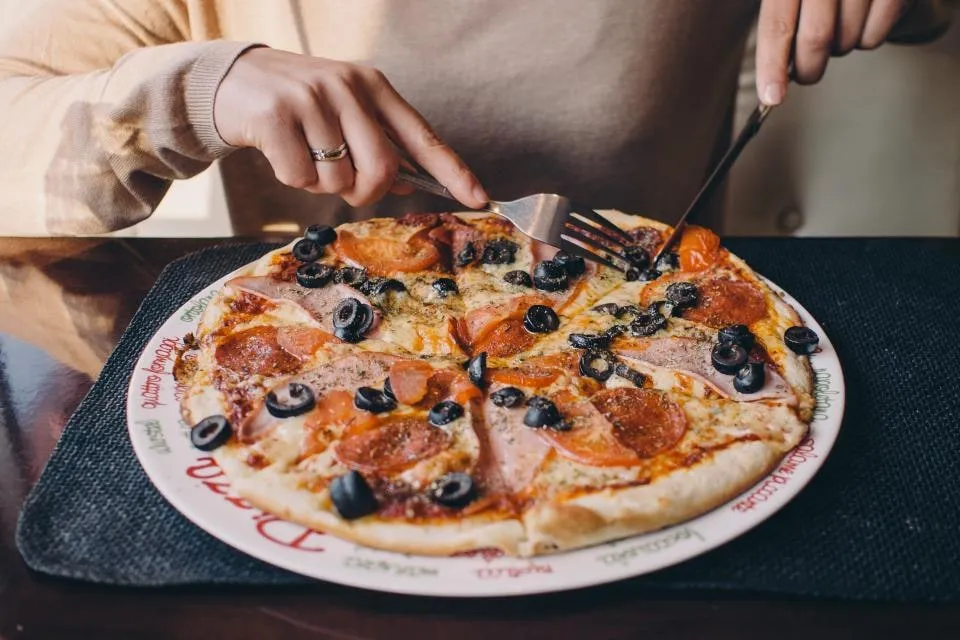 Pizza
Pizza 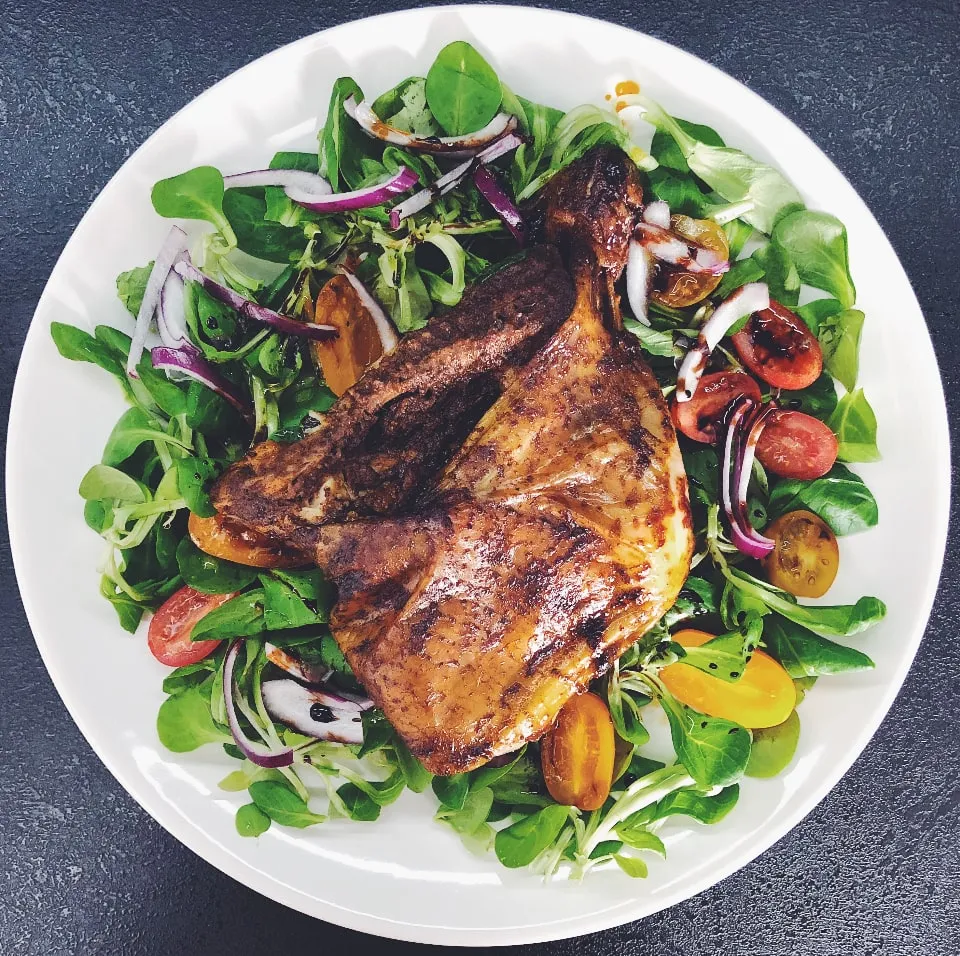 Chicken
 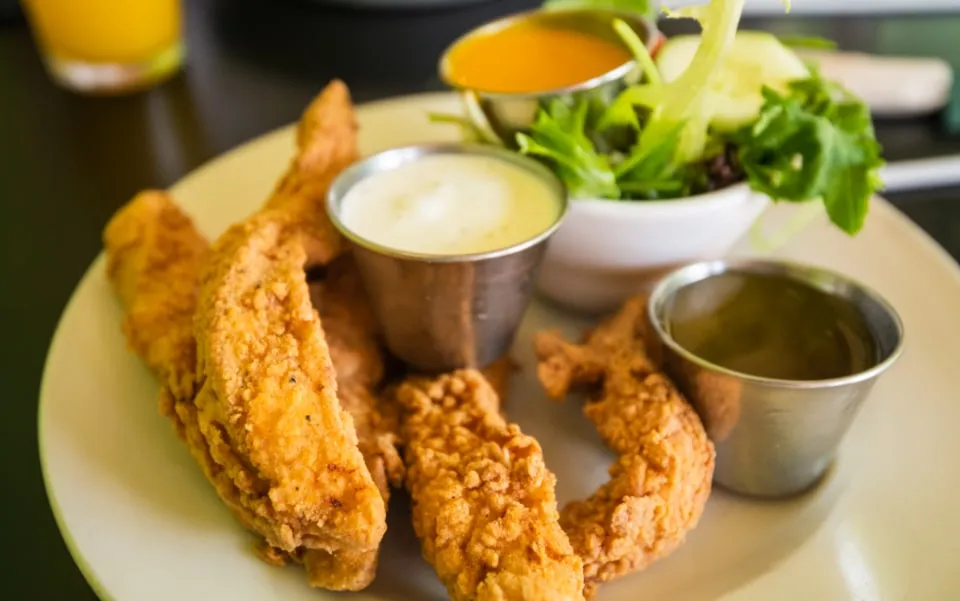 Crispy
 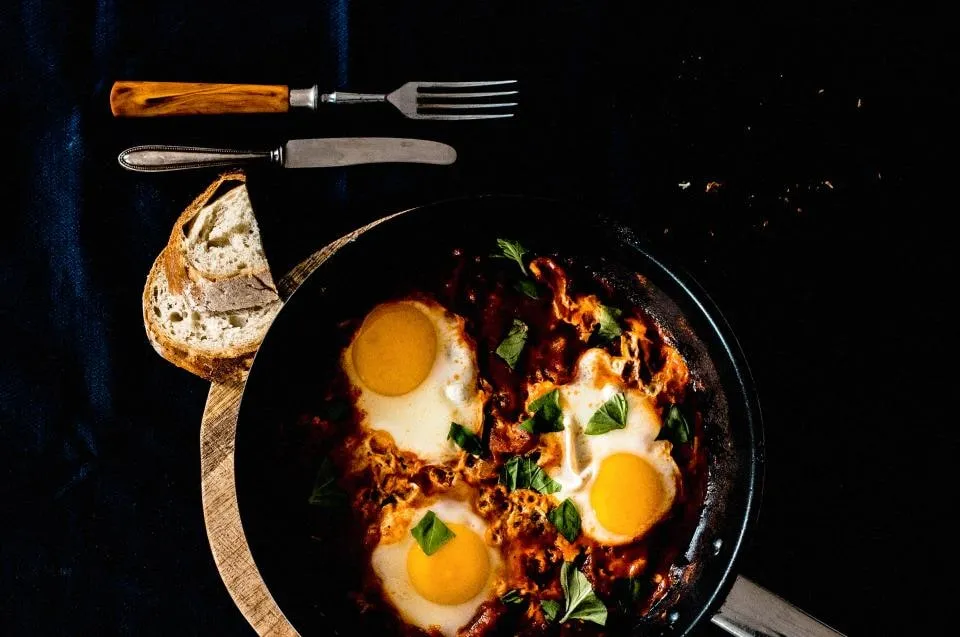 Breakfast
 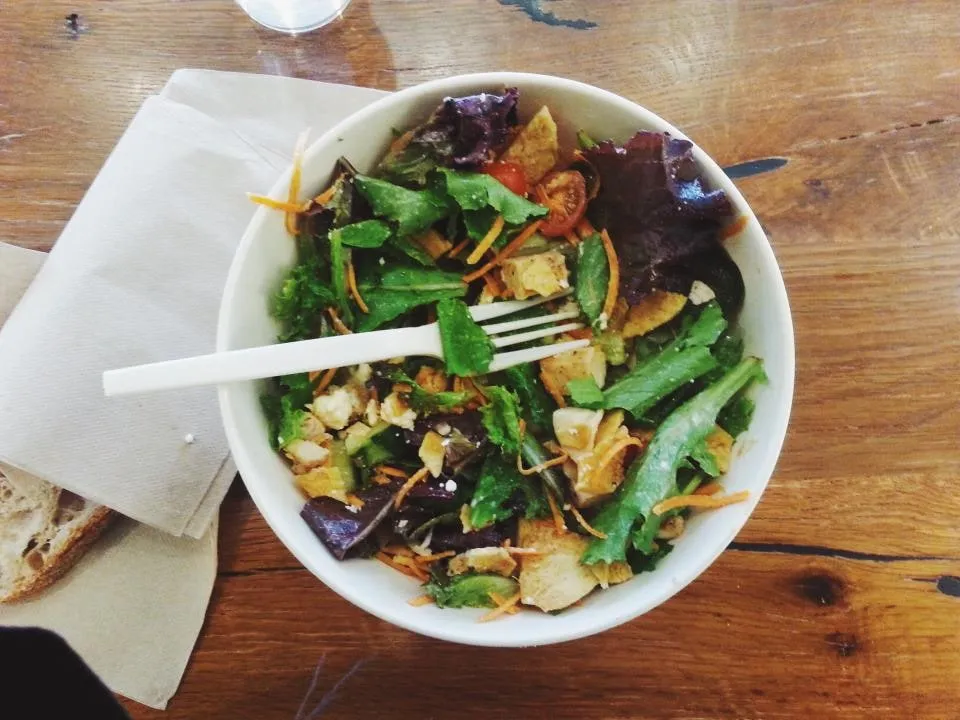 Salads
 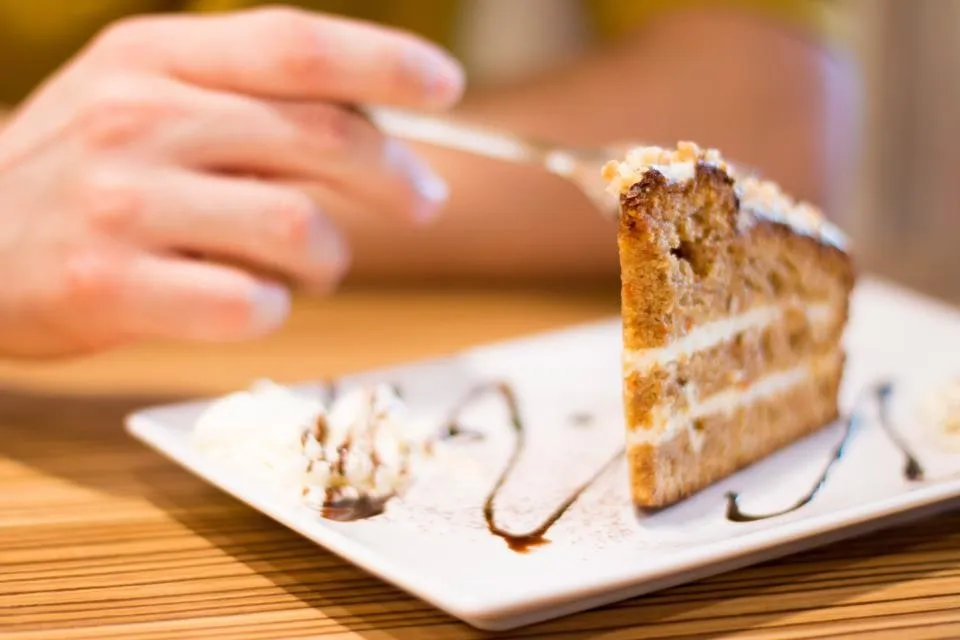 Desserts
 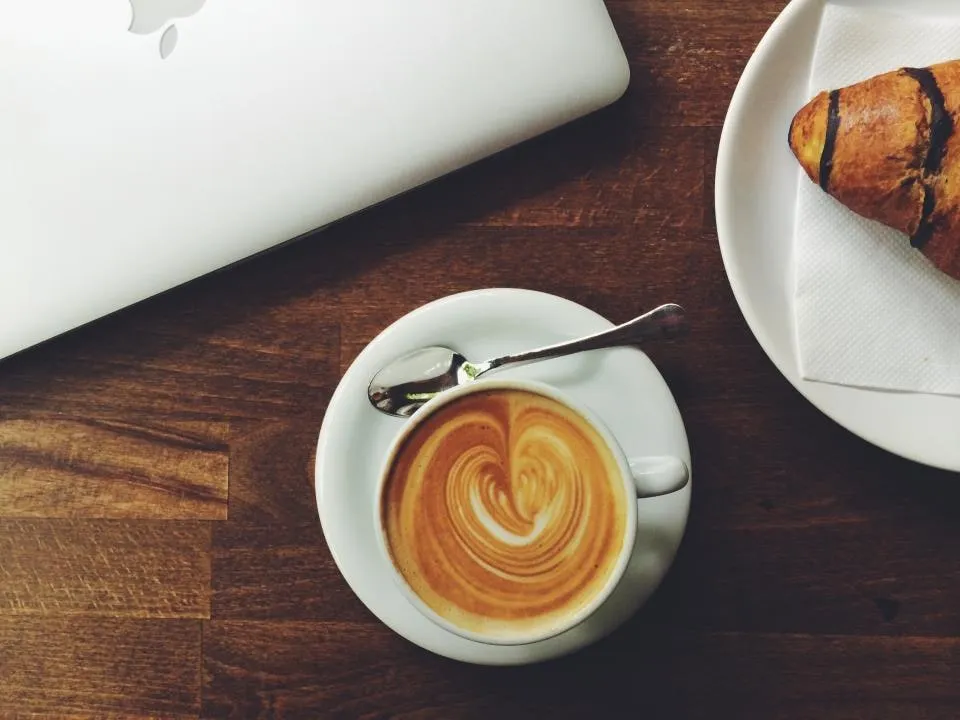 Coffee
 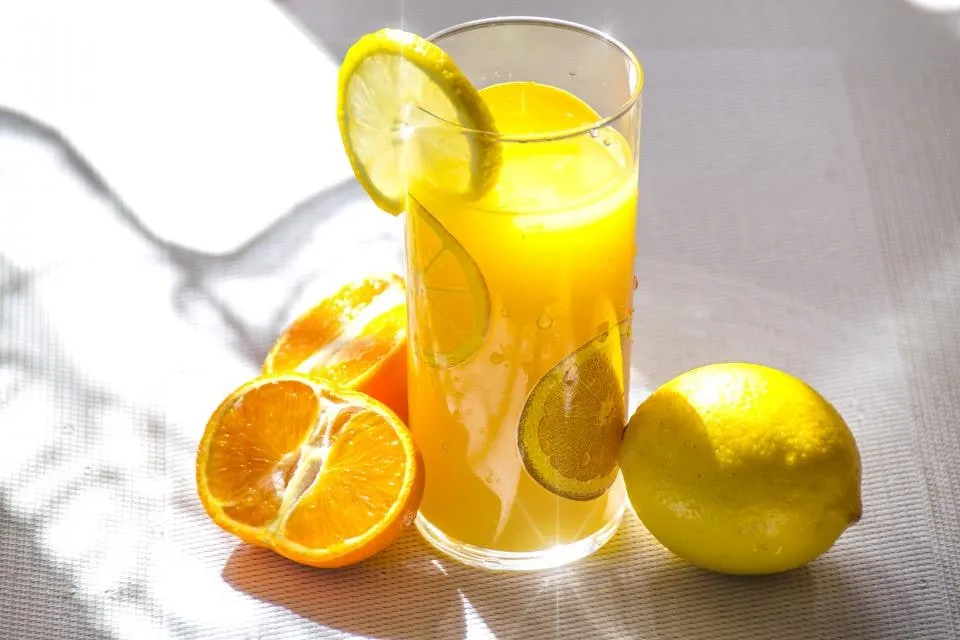 Juices
 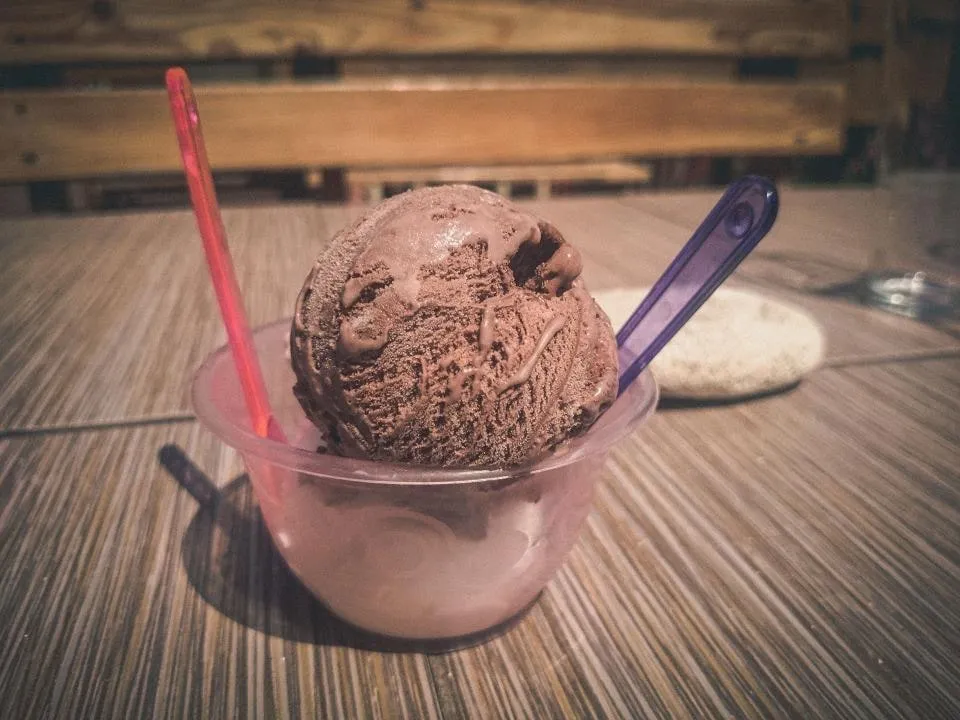 Ice cream
 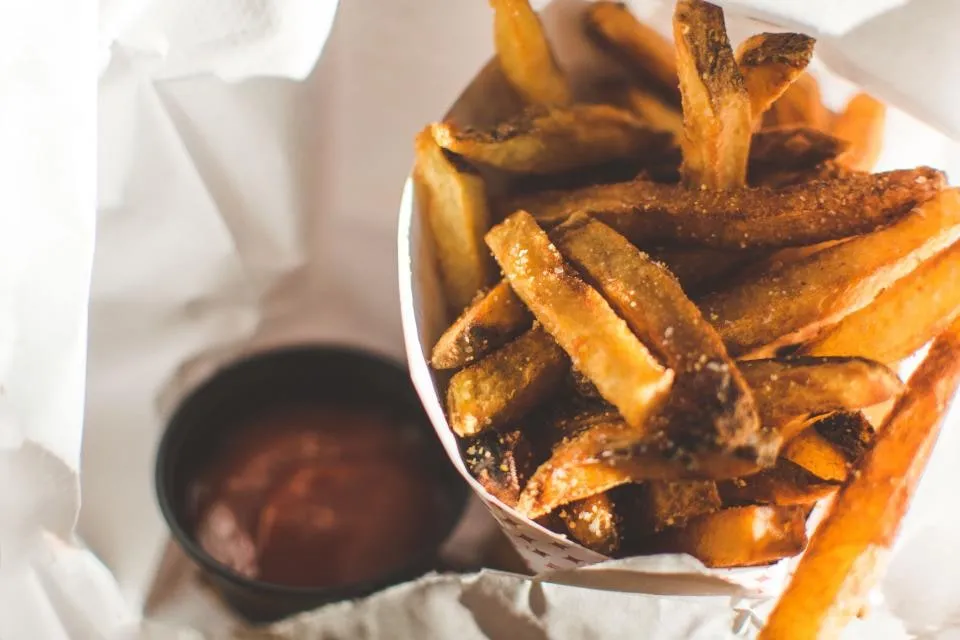 Fries
Fries Restaurants and dishes available in your area appear in the app at launch.
How to order
Browse restaurants that serve your area, choose your dishes and add a note.
Price and delivery fee in full before you confirm; the amount is held until delivery.
Follow your captain on the map and give the delivery code at the door.
Restaurants
We will not publish restaurant names before they actually join. If you own a restaurant, be among the first on Sufra.
Areas
In the app you can vote for your area, so we know where to expand first. We do not name a city here before the service is available there.
Small details
An allergy or a special request travels with your order.
An option in the cart that you can make your default.
The recipient’s name and number, and it’s handed to them.
Choose ahead: remove it, have the restaurant call you, or cancel.
Because the store has accepted your order and started preparing it. Use "Get help" on the order page and we will review it with you.
Immediately, to your in-app wallet. You can see it under "Wallet → Activity".
Use "Get help" on the order page within 24 hours of delivery and describe what happened. If the mistake is confirmed, we return its price to your wallet.
Your address is outside our coverage, or no branch serves your area right now. Vote for your area from the address page so we know where to expand.
Follow BRINGERS
We announce the launch date and the official download links on our pages only. Any other link does not represent us.
